Product update
14 languages, same QR code
Your customer-facing loyalty card and your printable QR PDF now translate into fourteen languages — flip a single setting in Shop Setup and the entire customer experience switches over.
Published
The short version
Open Shop Setup → Loyalty → Customer-facing language, pick from the 14 supported languages, save. Every customer who scans your QR code from then on gets the card in that language. Your dashboard and admin tools stay in English.
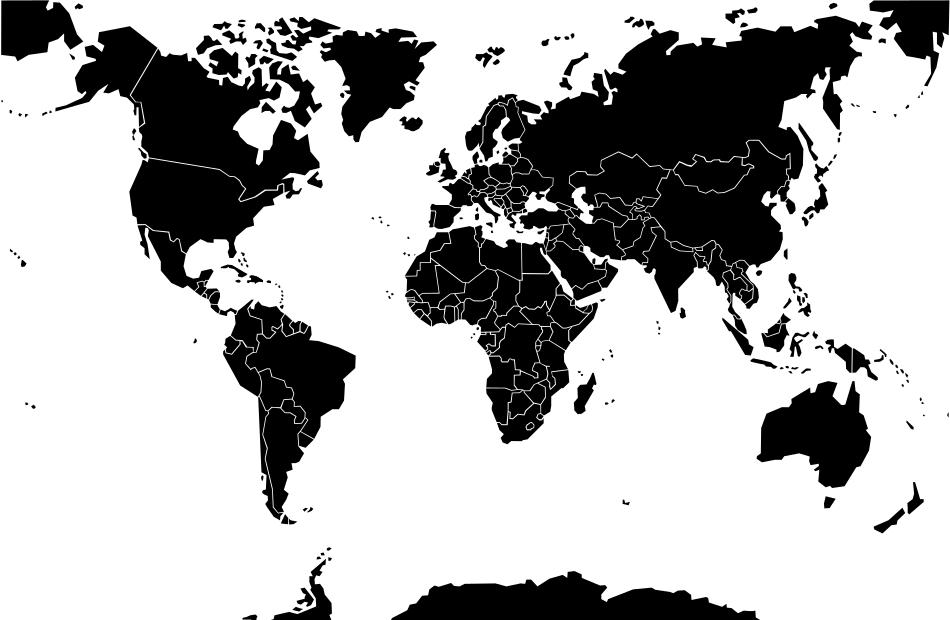
The 14 languages
We picked the languages that cover the largest share of cafe customers worldwide. They translate every customer-visible string — buttons, progress text, the “buy 8, get one free” headline on the printed PDF, the “waiting for approval” status, all of it.
English
English
العربية
Arabic
Filipino
Filipino
Français
French
Deutsch
German
हिन्दी
Hindi
Bahasa Indonesia
Indonesian
Italiano
Italian
日本語
Japanese
한국어
Korean
中文
Mandarin Chinese
Português
Portuguese
Español
Spanish
Türkçe
Turkish
Why it matters
Loyalty programs only work when the next step is obvious to the customer. If your regulars are reading "Request Stamp"in a language they don't use day-to-day, they hesitate, miss the CTA, and bail out. Translating the card into the language your customers actually order coffee in is the single biggest friction-reducer we've shipped this quarter.
For multi-cultural cafe neighbourhoods (Sydney's Inner West, London's Brick Lane, San Francisco's Mission), this means a Mandarin or Spanish-speaking regular gets the same effortless tap-and-stamp experience as an English speaker.
How to switch language
- 1Open your dashboard and go to Shop Setup.
- 2In the Loyalty section, pick a language from the Customer-facing language dropdown.
- 3The right-hand Customer Preview updates instantly — every string switches in place.
- 4Auto-save kicks in 3 seconds later. You can also re-print your QR PDF; it now uses the new language too.
FAQ
Does my dashboard switch language too?+
No. The dashboard is owner-facing and stays in English. Only the customer-visible card, the printable QR PDF, and on-card progress text translate.
Can different customers see different languages?+
Right now, the language is set per shop — every customer at your shop sees the language you picked. Per-customer toggle is on the roadmap.
What about right-to-left languages like Arabic?+
Arabic is fully supported, including RTL layout direction on the customer card.
Can I request a language that isn't on the list?+
Yes — email [email protected] and we'll prioritise based on demand. The translation system makes it cheap to add more.