How-to
How to Set Up a QR Code Loyalty Program for Your Coffee Shop
A QR code at the counter is the simplest way to run a loyalty program. Here's exactly how to set one up — from choosing a platform to getting your first regulars enrolled.
Published · Updated
In short
A QR code loyalty program lets customers collect stamps or points by scanning a QR code with their phone — no app required. For a coffee shop, you place a QR code at the counter; customers scan, you approve the stamp from a dashboard, and the digital loyalty card appears on their phone. The whole setup takes under 5 minutes and works on any iPhone or Android.
Why QR codes work for cafe loyalty
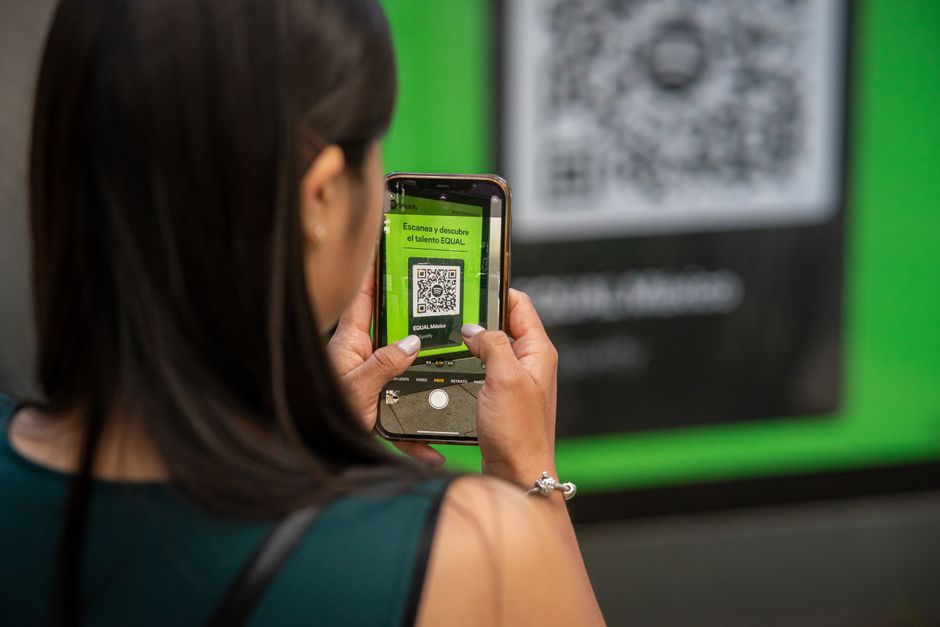
QR codes became second nature during COVID — the one piece of consumer tech that emerged from 2020 with a fanbase. Your customers already know how to point their phone camera at a code. That familiarity is a massive advantage — there's zero learning curve.
Compared to app-based loyalty programs, QR codes have one critical advantage: no download required. The moment a customer scans your code, they're in the program. No App Store, no sign-up form, no password.
Step 1
Choose your platform
You need a platform that generates a QR code, tracks stamps, and shows customers their loyalty card. Here's what to evaluate:
- Does it require an app download? If yes, skip it. Most customers won't download an app for a coffee loyalty card.
- How does stamping work? You want real-time approval — the customer scans, you approve, the stamp appears. Avoid platforms where the stamp happens automatically (easy to abuse).
- What's the pricing? Free or cheap to start. You're testing this, not committing to a yearly contract.
- How long does setup take? If it takes more than 10 minutes, it's overengineered for a cafe.
Step 2
Create your shop and set your reward
Once you pick a platform, the first decision is your stamp threshold — how many stamps before a free drink?
Our recommendation: start with 8. It's attainable enough that customers feel motivated, but not so low that it eats into your margins. You can always adjust later.
Set your reward to something simple and clear: "Free coffee of your choice" works better than "10% off your next order." People respond to free things, not discounts.
Step 3
Print and place your QR code
Placement matters more than you think. Best spots:
At the register
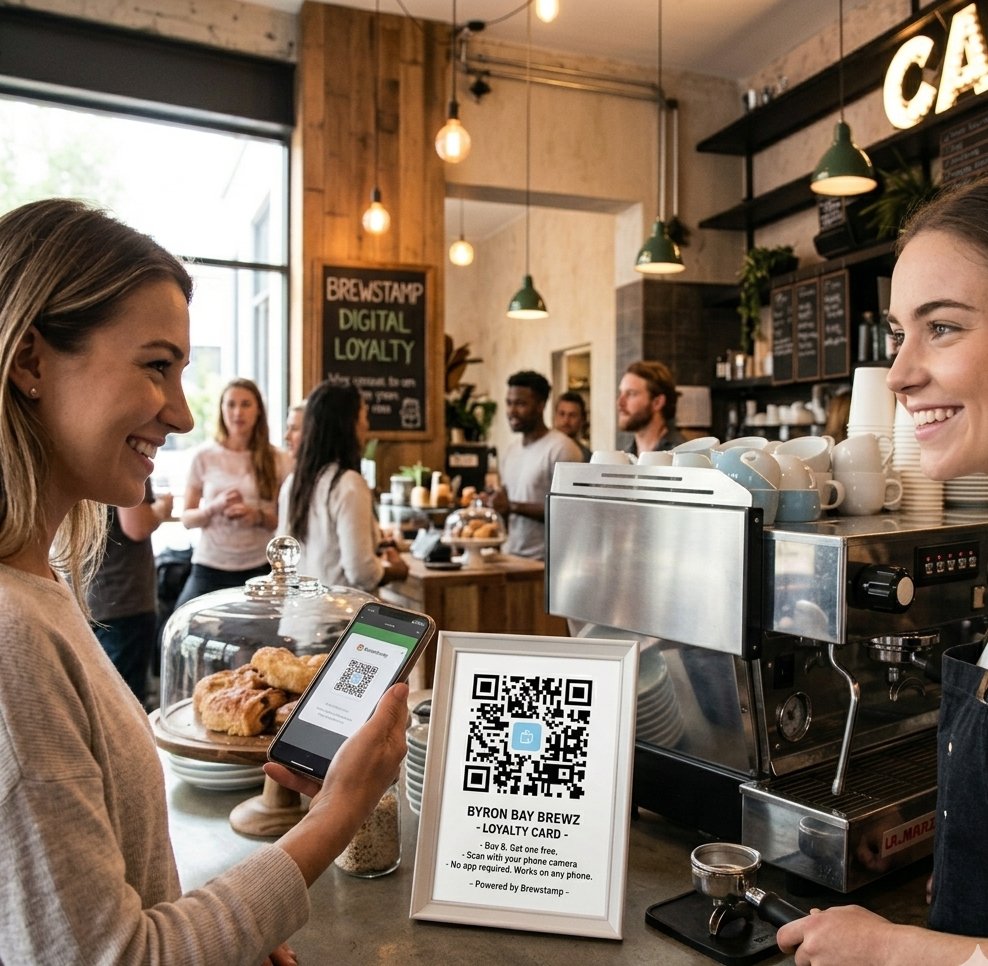
Where the transaction happens. A small tent card or sticker next to the EFTPOS machine.
The waiting spot
Customers are already standing there with their phone out. Make it easy.
Table talkers
If you do table service, let customers scan while they wait for their order.
Avoid putting the QR code only on the menu or only on the wall. It should be within arm's reach during the moment of purchase.
Step 4
Tell your staff
Your baristas are the program's marketing team. Give them a simple script:
"We've got a digital stamp card — scan the QR code and after 8 coffees your next one's free. No app needed."
That's it. No hard sell, no scripted enthusiasm, no asking if they'd like to download a 47MB app to save 35 cents. Most customers will scan it right away — especially if they see the QR code already sitting on the counter.
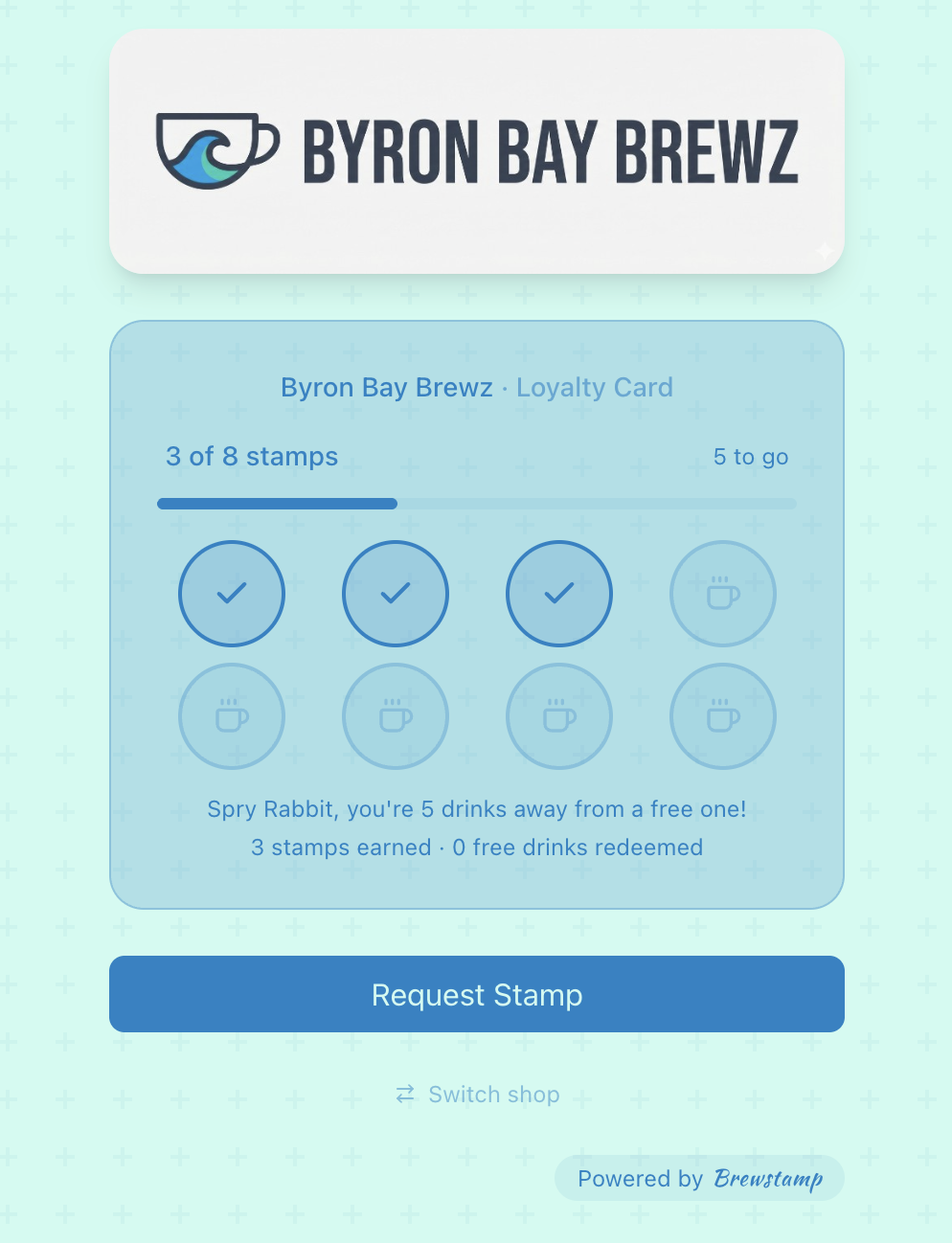
What your customers see
Step 5
Launch and track
For the first week, pay attention to:
- How many people are scanning? If the number is low, try repositioning the QR code or having staff mention it more.
- Are people coming back? After a few days, you should see repeat scans from the same customers.
- Is it slowing down service? It shouldn't — the scan takes seconds. If it is, check that your approval process is streamlined.
Common mistakes to avoid
- Setting the threshold too high. 15 stamps feels like a long-distance relationship. 6–10 is the sweet spot.
- Not telling customers about it. A QR code on the counter without context looks like a wifi password from 2008. Staff need to mention it for the first few weeks.
- Overcomplicating the reward. "Free regular coffee" beats a four-tier points system every time. If your reward needs a footnote, simplify it.
QR code loyalty program FAQ
How does a QR code loyalty program work?+
A customer scans a QR code at your counter with their phone camera. The QR code opens a digital loyalty card in their browser. They request a stamp, you approve it from your dashboard, and the stamp appears on their card in real time. No app download is needed at any step.
Do customers need to download an app to use a QR code loyalty card?+
Not with a browser-based QR code loyalty program. The QR code opens a regular web page that the customer can bookmark or save to their home screen. App-based programs exist, but they consistently underperform browser-based ones because most customers won't install an app for a coffee.
Can a QR code loyalty card be added to Apple Wallet or Google Wallet?+
Many QR code loyalty programs support Apple Wallet and Google Wallet passes. The customer scans the QR code, taps to add the pass, and the loyalty card sits next to their boarding passes and credit cards — handy, though not strictly required for a QR-based program to work.
Where should I place the QR code in my coffee shop?+
At the register, on the counter where customers wait, and (if you do table service) on table talkers. The single best spot is wherever the transaction happens — within arm's reach when the customer's phone is already out.
How much does a QR code loyalty program cost?+
Most QR code loyalty platforms have a free tier. Paid plans for small cafes typically run $5–15/month. Avoid platforms that charge per stamp or take a percentage of revenue — flat pricing scales better as the program grows.
Are QR code loyalty programs secure?+
Yes — provided each stamp requires merchant approval. With approval-based stamping, customers cannot self-stamp by re-scanning the code. The merchant dashboard logs every stamp, so there's a full audit trail.